You know that text. The kind that looks like someone typed it while being dragged into another dimension, letters buried under tiny symbols, stacked marks climbing above and below the line, the whole thing vibrating with a kind of digital wrongness. That’s cursed text, and people absolutely love it.
Maybe you spotted it in someone’s Instagram bio and had to stop scrolling. Maybe a Discord username made you do a double take. Whatever brought you here, the good news is that making it yourself takes about five seconds, no downloads, no account, nothing. Just head to our Cursed Text Generator, type whatever you want, and watch it fall apart in the best possible way.
This guide covers everything: what cursed text actually is under the hood, how to use the tool, where you can paste it, what styles are available, and answers to the questions we get asked the most.
What Is Cursed Text and How Does the Generator Actually Work?
Let’s get into the actual mechanics for a second, because this part is more interesting than it sounds.
Cursed text isn’t a font. You can’t download it and install it in Word. What it really is, under all those crawling symbols, is regular Unicode text with a whole lot of combining diacritical marks layered on top. Diacritics are the little accent marks you see in languages like French or Spanish. Unicode allows them to stack, and cursed text exploits that to extreme effect: dozens of marks piling above and below each letter until the original character is barely visible.
The result looks corrupted, glitched, supernatural. It’s closely related to what people call Zalgo text, named after a horror meme from early internet culture, and to glitch text aesthetics that show up in digital art and game design. The difference between them is mostly about degree. Zalgo goes full chaos. Glitch text is a bit more controlled. Cursed text is the umbrella term for all of it.
What makes it actually usable across platforms is that it’s still just Unicode. Every modern app, website, and operating system knows how to handle Unicode, which means you can paste cursed text into Instagram, Discord, WhatsApp, Reddit, pretty much anywhere, and it’ll show up looking exactly as distorted as you made it. No special software on the other end.
If you want the full history and a deeper technical breakdown, we wrote a whole piece on it: The Complete Guide to Cursed, Glitch & Zalgo Text. Worth a read if you’re curious about where all this came from.
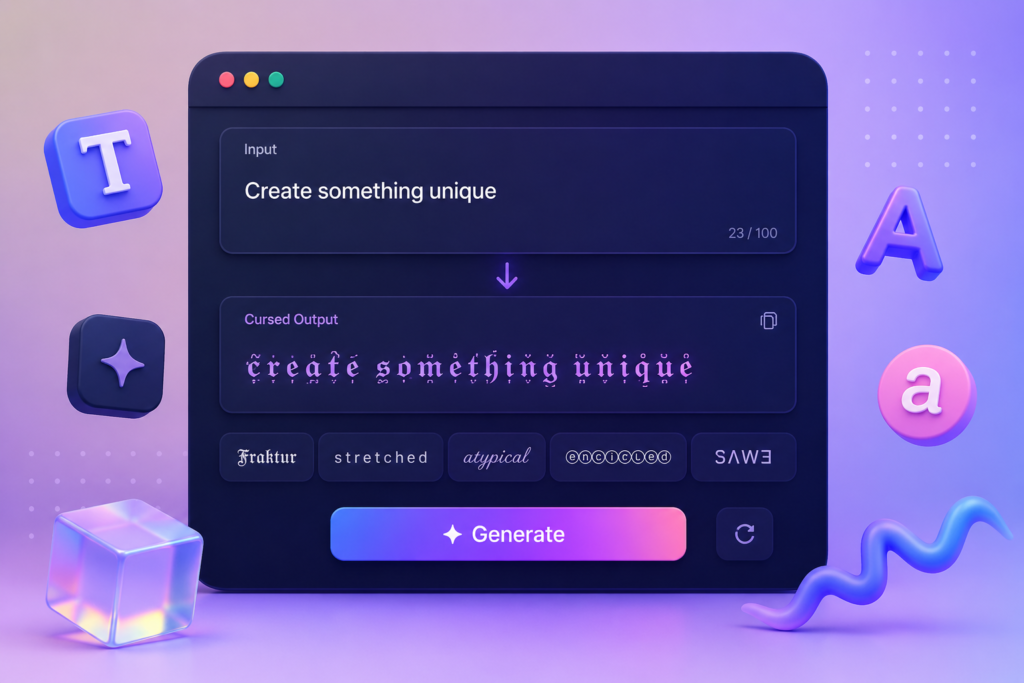
As for how our generator works: you type, it maps your characters to their Unicode equivalents and layers combining marks at whatever intensity you choose, and the output appears live. That’s it. The whole thing runs in your browser, nothing leaves your device.
How to Use the Cursed Text Generator
Genuinely, this takes under a minute. Here’s the whole process:
Step 1, Open the tool: Go to the Cursed Text Creator and find the input box. It’s right there on the homepage, hard to miss.
Step 2, Type your text: Could be your name, a username, a quote, a caption, whatever you need. Paste it in if it’s already written somewhere.
Step 3, Pick your style and intensity: Low intensity gives you subtle, creepy distortion that’s still readable. Crank it up and you get full Zalgo, letters completely consumed by stacked marks. There are also different style modes, which we’ll cover below.
Step 4, Watch it update in real time: The cursed version appears as you type. No need to hit a button and wait.
Step 5, Copy and paste it wherever: Hit Copy, then drop it into your Instagram bio, Discord username, Twitter post, WhatsApp status, game profile, anywhere that takes text input.
That’s the whole thing. No sign-up, no email, no premium plan blocking the good stuff.
Where Can You Actually Use Cursed Text?
More places than you’d expect. Because it’s Unicode, compatibility isn’t really a problem on most modern platforms. Here’s where people actually use it:
Social media bios: Instagram, Twitter/X, TikTok, Facebook, they all render Unicode in bios and posts. A cursed text bio stands out immediately. People scroll past thousands of plain text bios every day. One that looks like it’s glitching out of reality? That stops the scroll. It’s a surprisingly easy way to build a more distinctive social media presence without doing much.
Gaming usernames and profiles: If the game supports Unicode in display names, and a lot of them do, including Roblox, Steam games, and plenty of mobile titles, cursed text works great. Players use it to go for an intimidating, otherworldly look. Discord nicknames are a huge use case here too, since Discord fully supports Unicode and the servers are full of people with cursed letters in their names.
Memes and creepypasta: This is probably the original home of cursed text online. Horror forums, meme pages, creepypasta communities, Zalgo text and cursed letters became the visual language of internet horror. If you’re making anything in that space, cursed text is basically expected.
Digital art and glitch aesthetics: Designers and content creators working in glitch art or dark, surreal aesthetics use cursed fonts as a visual element. It doesn’t require any design software, just paste it as a text layer or into a caption.
Messages and chats: WhatsApp, Telegram, iMessage, even email, all handle Unicode fine. Sending someone a message in cursed text when they’re not expecting it is deeply unsettling in the funniest possible way.
For more context on why it works across all these platforms, check out our complete guide to Zalgo, glitch, and weird Unicode text.
Cursed Font Styles: What’s Available?
Not all cursed text looks the same. The tool gives you a few distinct directions to go, depending on what you’re actually trying to do:
Full Zalgo / Classic Cursed: This is the most extreme version. Diacritics stack above and below every character until the original letters are half-buried. It’s visually overwhelming on purpose, great for horror content, aggressive meme energy, or anything where you want the text itself to feel like a threat.
Glitch Text: More controlled than full Zalgo. The characters look corrupted and broken but you can still mostly read them, like a screen that’s failing or a signal that’s cutting in and out. This works really well for gaming aesthetics, tech-horror vibes, and anywhere you want the glitch look without going full chaos.
Low Intensity Cursed: Subtle stacking. A bit unsettling, but the text stays readable. This is the sweet spot for social media bios, enough edge to be interesting, not so much that people can’t tell what it says.
Creepy Unicode Letters: These are characters pulled from other Unicode ranges that look almost like normal Latin letters, but not quite. The effect is more uncanny valley than outright chaos. Text that looks normal until you look closely and realize something’s off.
Mixed / Combined: You can layer approaches, glitch the main body, go full Zalgo on a heading or username. The tool lets you experiment without committing to one style.
The intensity slider is honestly one of the most useful features. Being able to dial from ‘barely distorted’ to ‘completely unhinged’ in the same tool means you’re not stuck with one look for every situation.
Frequently Asked Questions
What is a cursed text generator and how does it work?
It’s an online tool that takes whatever text you type and distorts it by stacking Unicode combining diacritical marks onto each character, those tiny symbols that pile above and below the letters. You don’t need to understand any of that to use it. Type something, choose a style, copy the output.
What’s the difference between cursed text and Zalgo text?
Zalgo is a specific type of cursed text, the most extreme version, where diacritics stack so densely the letters overflow their normal space. The name traces back to an early internet horror meme. Cursed text is the broader category that includes Zalgo, glitch text, creepy Unicode substitutions, and anything else designed to look wrong or corrupted. Our full guide breaks down the differences.
Where can I use cursed text?
Basically anywhere that accepts regular text input and runs on a modern platform, Instagram, Twitter, TikTok, Discord, WhatsApp, Telegram, Reddit, Steam, Roblox, and most messaging apps. If a platform strips combining Unicode characters, try dropping the intensity a notch. That usually fixes it.
Is it free? Do I need to make an account?
Free, no account, no install, no paywall. Open the tool in your browser and go. Nothing is stored on our end, the whole thing runs locally in your browser.
Can I control how distorted it looks?
Yes, that’s kind of the point. The intensity slider lets you go from barely-there distortion all the way to full Zalgo overflow. You can also switch between style modes, classic cursed, glitch, low-intensity, creepy letters, depending on what fits.
Why does my cursed text look different on someone else’s device?
The Unicode characters are identical on both ends, what changes is how the device renders them. Different fonts and operating systems handle stacked diacritics differently. Some show the full overflow, some clip it. Android, iOS, and Windows all render it a bit differently. The text itself is the same; the visual just depends on what’s displaying it.
Can I use cursed text for things other than memes?
Definitely. People use it for social media bios, gaming usernames, horror fiction formatting, digital art, video titles, brand aesthetics in the glitch/dark space, and just generally making things look more interesting. It started as a meme thing but the applications go well beyond that.
Are there any downsides or limitations?
A couple worth knowing. Screen readers can’t interpret combining diacritics meaningfully, so cursed text is inaccessible to users relying on text-to-speech. Some platforms count every diacritic as a separate character toward their limit, so you’ll hit character caps faster. And a handful of older or more restrictive apps will strip combining Unicode characters out entirely.
What styles does the tool offer?
Full Zalgo (maximum stacking), glitch text (digital corruption look), low-intensity cursed (subtle and readable), creepy Unicode letter substitutions, and combinations of all of the above. Everything’s adjustable without leaving the page.
That’s everything you need to know. If you’re ready to try it, the free cursed text generator is right there. And if you want to go deeper on the history and mechanics of why this works the way it does, our complete guide to cursed, Zalgo, and glitch text has it all.
Pingback: Discord-Bios zum Kopieren: Cursed & ästhetische Vorlagen
Pingback: Discord Biyografileri Kopyala Yapıştır: 77 Hazır Örnek